
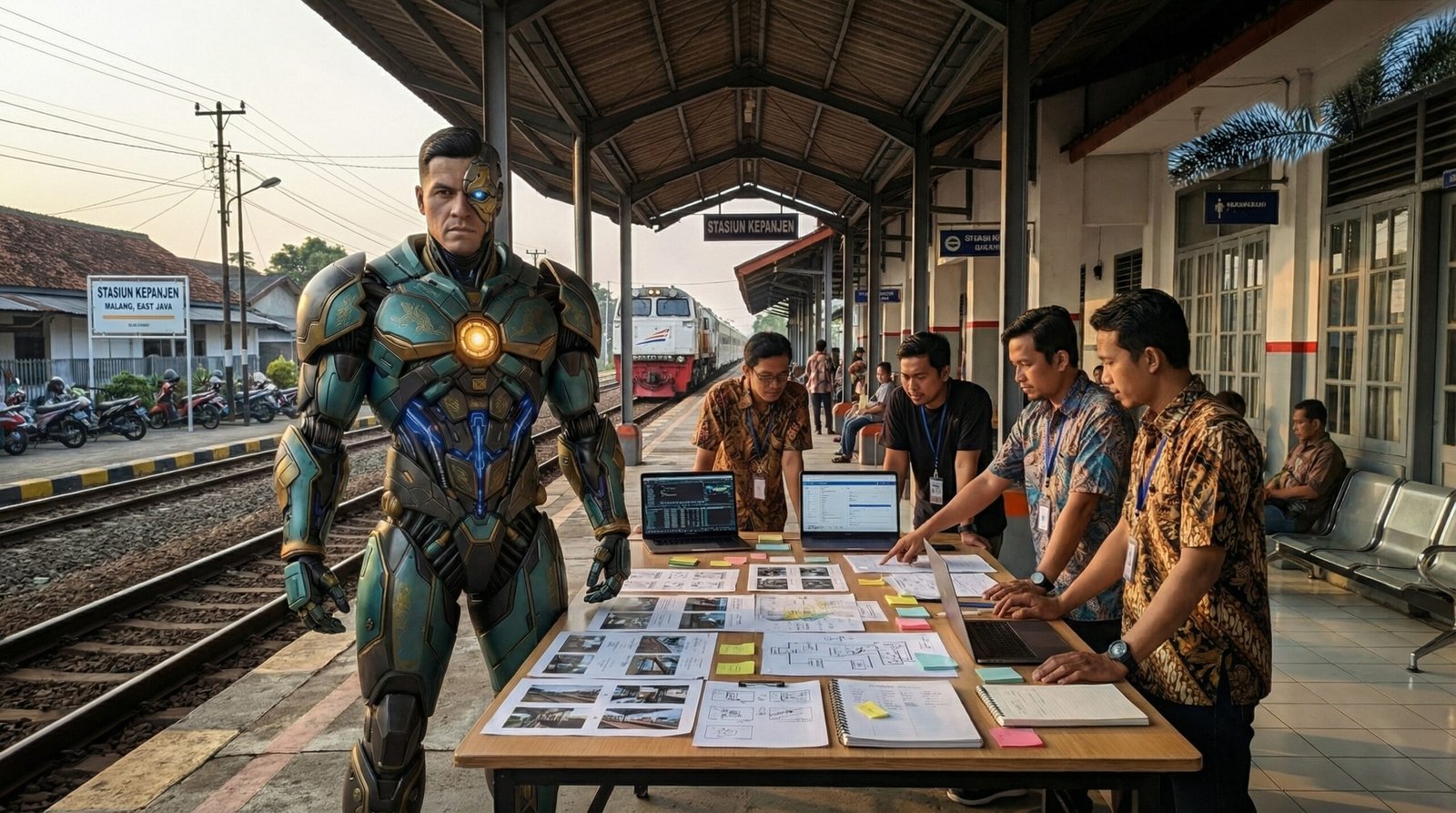
Why Most AI Content Feels Inconsistent

AI content inconsistency is one of the biggest problems in AI-driven workflows. Artificial intelligence can generate images, videos, voiceovers, characters, and environments faster than ever before. However, speed does not guarantee consistency. Many creators produce visually impressive outputs in one generation, only to lose quality, identity, and coherence in the next.
This is one of the most common problems in AI-driven workflows. A character looks different from one scene to another. A visual style changes unexpectedly. A voice feels inconsistent between clips. Lighting, camera language, color, and emotional tone drift across iterations.
As a result, the final content feels fragmented rather than intentional.
The problem is not always the AI tool itself. In most cases, inconsistency happens because creators begin generating too early. They move directly into prompts and execution before defining the planning structure that should guide the output.
AI Content Inconsistency Usually Starts with Weak Planning
Many creators expect AI to solve creative direction automatically. They assume the model will preserve style, continuity, and logic across multiple outputs. However, AI does not think like a director, producer, or creative strategist.
AI responds to the information it receives. When the inputs are weak, vague, or inconsistent, the outputs become unstable.
For example, a creator may generate a strong-looking character in one image. However, if there is no character reference sheet, no locked visual identity, and no clear structural constraint, the next generation may change facial proportions, costume details, body scale, or lighting direction.
This is why consistency must be designed before execution begins.
Without structure, AI content inconsistency becomes more visible across characters, scenes, lighting, and narrative continuity.
The Five Most Common Causes of Inconsistency
1. Undefined Character Identity Creates AI Content Inconsistency
When creators do not define a stable character identity, AI fills the gaps with interpretation. As a result, the same character may appear different across multiple outputs.
Character inconsistency often affects:
- face shape
- age
- body proportions
- hairstyle
- wardrobe
- accessories
- lighting response
- pose behavior
This is why strong AI workflows need character reference systems before production starts.
2. No Locked Visual Language Causes AI Content Inconsistency
Many creators generate scenes one by one without defining an overall visual language. They change camera style, lighting direction, color palette, framing, and mood between iterations.
Eventually, the project no longer feels like one connected body of work.
A stable visual language should define:
- camera distance
- lens behavior
- lighting mood
- color palette
- texture quality
- framing rules
- environmental tone
Without these rules, AI content becomes visually disconnected.
3. Weak Reference Anchors
AI performs better when creators provide clear references. However, many workflows rely too heavily on descriptive prompts alone.
Prompts can help, but they are not enough to preserve consistency across multiple scenes, shots, or generations.
Reference anchors create stability. These anchors may include:
- character sheets
- environment references
- lighting references
- costume references
- mechanical references
- scene composition references
The stronger the references, the easier it becomes to maintain continuity.
4. No Structural Constraints
Some creators think constraints reduce creativity. In reality, constraints preserve identity.
When there are no clear rules, AI introduces unnecessary variation. Small changes accumulate over time until the entire project loses its internal logic.
Structural constraints may define:
- what can change
- what must remain fixed
- which colors are allowed
- which camera angles are preferred
- which emotions belong in the scene
- how characters behave
Constraints do not limit creativity. They protect consistency.
5. Reactive Instead of Planned Workflows
Many creators work reactively. They generate assets first and solve continuity problems later.
This often creates more revision work, more confusion, and weaker outputs.
Instead, creators should define the production logic before execution begins. They should decide:
- what gets generated first
- which references support the workflow
- how revisions should happen
- how assets connect to one another
- how continuity should be preserved
When creators follow a structured process, AI becomes more predictable and more useful.
Why AI Content Inconsistency Matters
Consistency is not only a visual issue. It affects trust, recognition, and long-term identity. When AI-generated content feels unstable, audiences notice it immediately, even if they cannot explain why. By contrast, consistent content feels intentional, structured, and credible.
This is especially important for creators building recurring characters, repeatable formats, serialized narratives, or commercial systems that depend on continuity.
This planning-first approach also reflects how traditional pre-production disciplines define structure before execution.
Final Thought
Most AI content feels inconsistent because the planning layer is missing. Creators often expect prompts to solve problems that should have been solved earlier through structure, references, constraints, and workflow design.
AI can generate faster than traditional production systems. However, speed without structure creates instability.
AI content inconsistency does not happen randomly. It usually appears when creators skip planning, references, and structural constraints.
Creators who want more consistent outputs should focus less on writing better prompts and more on building stronger planning systems.
On INDERA DIGITAL, this is why Content Planning, the Reference Library, and Frameworks always come before execution.
Curated by

INDERA DIGITAL is curated by Anton Roringpande, a cinematic AI creator focused on structured content planning, visual consistency, and system-driven workflows.
Anton’s role is not to teach tools, but to curate frameworks, references, and decision systems that help creators work with clarity and control.
Leave a Reply